convert svg to png.
↳ One file. Three export scales.
Your SVG stays in your browser.
Original pixel dimensions × chosen scale.
Transparent pixels stay transparent. No background is added.
See it before you save it.
One vector.
Your chosen pixel size.
What survived the SVG export at each scale?
Measurements checked 2026-10-31. We uploaded each of three original 320 × 240 SVG fixtures into this converter, selected 1×, 2× and 3×, and downloaded every PNG. We independently decoded the files with Pillow; dimensions below come from decoded pixels, not filenames. Bytes are the complete downloaded PNG files.
| Feature | Scale | Decoded pixels | PNG bytes | Alpha channel | Transparent pixels | Observed result | Decoded check | Actual file |
|---|---|---|---|---|---|---|---|---|
| feGaussianBlur | 1× | 320 × 240 | 8,552 | Yes | 61,068 | Retained: soft alpha extends beyond the hard rectangle. | 6,132 pixels with alpha above zero outside the hard rectangle; no-filter control: 0. | PNG |
| feGaussianBlur | 2× | 640 × 480 | 29,422 | Yes | 243,232 | Retained: soft alpha extends beyond the hard rectangle. | 25,568 pixels with alpha above zero outside the hard rectangle; no-filter control: 0. | PNG |
| feGaussianBlur | 3× | 960 × 720 | 58,159 | Yes | 546,828 | Retained: soft alpha extends beyond the hard rectangle. | 57,972 pixels with alpha above zero outside the hard rectangle; no-filter control: 0. | PNG |
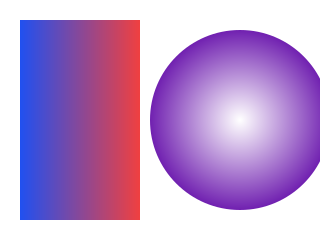
| linearGradient + radialGradient | 1× | 320 × 240 | 64,341 | Yes | 27,666 | Retained: linear and radial samples both vary in color. | Linear RGB: [50, 78, 224] → [223, 65, 78]. Radial RGB: [253, 253, 254] → [135, 68, 189]. | PNG |
| linearGradient + radialGradient | 2× | 640 × 480 | 233,196 | Yes | 111,128 | Retained: linear and radial samples both vary in color. | Linear RGB: [49, 78, 225] → [223, 65, 78]. Radial RGB: [254, 254, 254] → [135, 68, 189]. | PNG |
| linearGradient + radialGradient | 3× | 960 × 720 | 510,240 | Yes | 250,423 | Retained: linear and radial samples both vary in color. | Linear RGB: [49, 78, 225] → [223, 65, 78]. Radial RGB: [254, 254, 254] → [136, 69, 189]. | PNG |
| System-font text + stroke | 1× | 320 × 240 | 16,736 | Yes | 67,387 | Retained: red stroke and yellow system-font glyph fill both remain. | 2,235 red stroke pixels; no-stroke control: 0. Yellow fill: 5,735 pixels. | PNG |
| System-font text + stroke | 2× | 640 × 480 | 38,487 | Yes | 271,187 | Retained: red stroke and yellow system-font glyph fill both remain. | 10,231 red stroke pixels; no-stroke control: 0. Yellow fill: 22,740 pixels. | PNG |
| System-font text + stroke | 3× | 960 × 720 | 57,374 | Yes | 612,795 | Retained: red stroke and yellow system-font glyph fill both remain. | 25,094 red stroke pixels; no-stroke control: 0. Yellow fill: 50,204 pixels. | PNG |
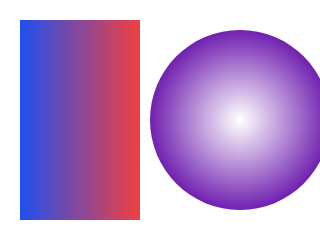
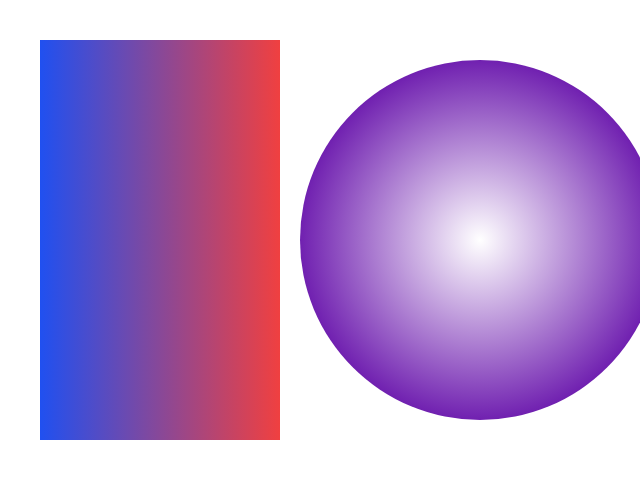
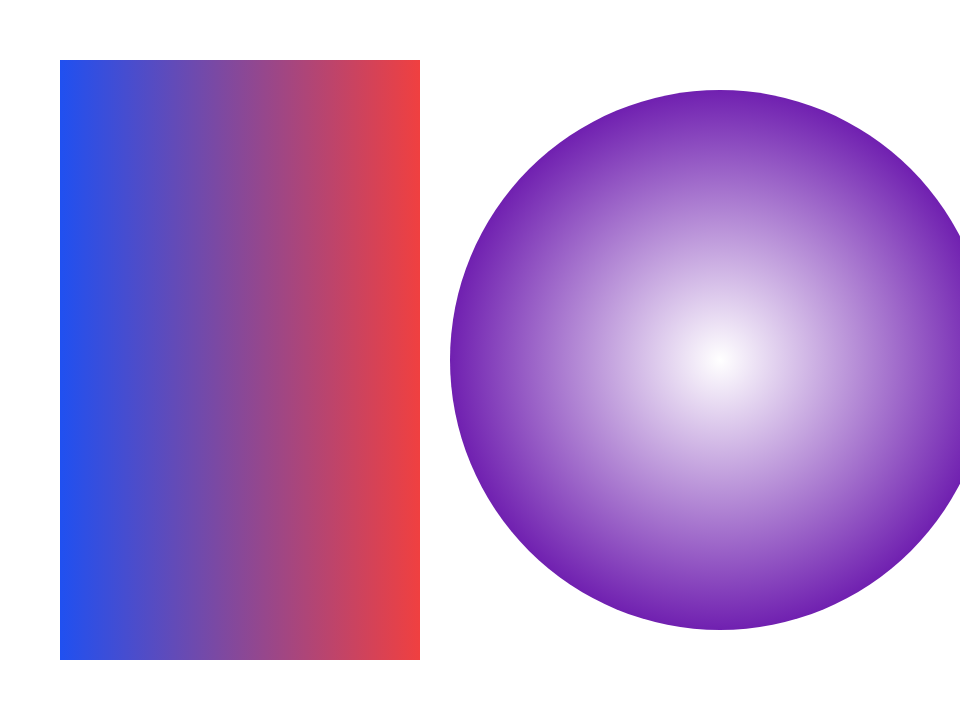
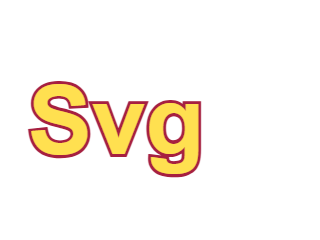

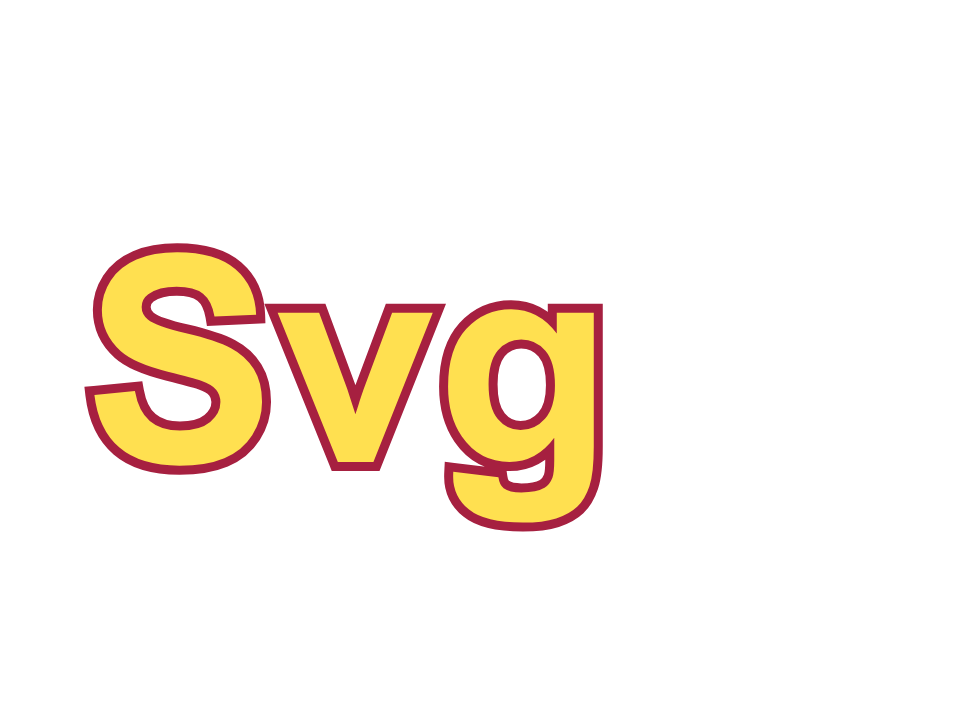
None of these nine fixture outputs lost the tested effect. The blurred rectangle retained a soft, partially transparent exterior rather than reverting to the hard-edged control. Both gradients retained differing sampled colors rather than becoming a single solid color. The text retained red stroke pixels and yellow glyph fill rather than disappearing.
How we checked the features
For blur, the hard rectangle spans source coordinates (80, 64) to (200, 144). We counted nonzero-alpha pixels outside that scaled rectangle and compared them with an otherwise identical SVG without the filter. For gradients, we sampled the linear fill at (30, 120) and (130, 120), and the radial fill at (240, 120) and (315, 120), multiplying coordinates by the export scale. All sampled points were opaque; their RGB values appear in the table.
The text fixture declares Arial, sans-serif; it is live system-font text with a six-unit stroke, not outlined paths. Red-stroke checks count pixels with red above 100, green below 90, blue below 130 and alpha above 200. The no-stroke control uses the same text without stroke. Yellow-fill checks use red above 180, green above 150, blue below 130 and alpha above 200. These are explicit criteria for this fixture, not a general font-quality score. Another installed font or browser can change glyph shapes and PNG bytes.
All nine PNGs contain an alpha channel and fully transparent background pixels. No white canvas was inserted. A PNG alpha channel alone is not proof that every pixel is transparent; the separate transparent-pixel counts make that distinction visible.


To reproduce: download a source, choose it in the tool above, pick one scale, convert, then compare the downloaded PNG with that row. The ZIP includes the no-filter and no-stroke controls, their real exported PNGs, and the independent decoder script.
Three scales, without a new background
Choose one SVG, pick 1×, 2× or 3×, then convert and download. The multiplier applies to width and height, not to a claimed increase in source detail. The checkerboard is only a preview background and is not added to the PNG.
Supported SVG features and limits
This page renders self-contained shapes, local gradients, local filters and text using fonts available on your device. It rejects scripts, animation, embedded or linked images, external stylesheets and external resources. It does not fetch fonts. Text can look different on a device with a different installed font or fallback.
One SVG at a time, up to 5 MB. Output is limited to 8,192 pixels per edge and 40 million pixels in total. Positive pixel width and height are used; a valid viewBox supplies missing dimensions. Dimensions are rounded to whole pixels before scaling. An export above either limit is rejected rather than silently resized.
Why a filter or font may look different
A filter can be clipped by its own SVG filter region. A font name can select a fallback on another computer. Inspect the preview and the downloaded file; the measured fixtures above establish these exact examples in the recorded browser, not universal support for every SVG filter or font.
Use the raster output where it belongs
PNG is a raster export: it does not retain editable text, paths or animation. To make a Windows icon from the downloaded image, use the existing PNG to ICO tool. For platform icon dimensions, see favicon size.
Last updated: 2026-10-31.